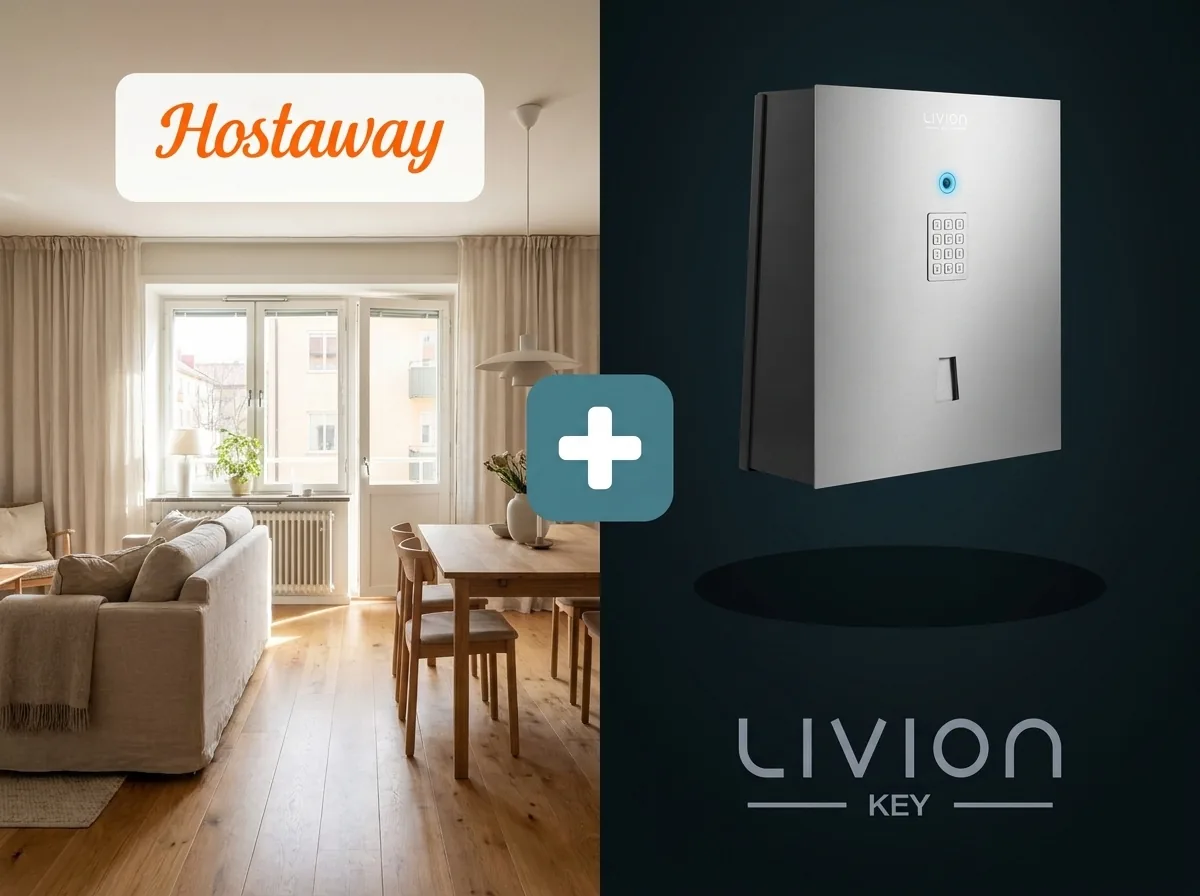
Handing over keys in person means agreeing on an arrival time and arranging to meet each guest. If their plans change, the handover needs to be rearranged too. The Hostaway integration reduces this coordination: LivionKey automatically prepares key pickup using the reservation details.
From Booking to Key Pickup
During setup, you specify which key or keyring in LivionKey belongs to each Hostaway property. When a reservation is confirmed, LivionKey prepares the key handover using the pickup and return times set for that property.
The personal PIN is saved to the Hostaway reservation. You can also choose to include the PIN and key pickup address in your Hostaway message templates, so guests receive them along with their other arrival instructions.
Guests enter their PIN at the Key Automat to collect the key during the agreed pickup window. At the end of their stay, they return it to the automat. LivionKey records both pickup and return.
Guests use the property's existing key, so you can offer self-service pickup without replacing the locks on your doors.
See When Keys Are Returned in Hostaway
When this optional feature is enabled, LivionKey saves the time the guest returns the key to a custom field in the Hostaway reservation. Your team can see when the key was returned and use that information when preparing the property for the next guest.
Make Guest Arrivals Easier
Contact Livion to plan key pickup, return and guest instructions that suit your properties.
Ask About the Hostaway IntegrationShare this article: