
Walk into almost any maintenance company, car dealership, or property management office, and you will still see the familiar setup: a metal cabinet with keys hanging in rows on hooks.
That model worked when teams were stable, key movement was predictable, and everyone knew who handled which key. Today, the operating model is different.
External service providers, rotating subcontractors, and 24/7 handovers in accommodation businesses create a much faster and more fragmented key lifecycle.
In this environment, the "open the door and take a key" model is not just outdated—it is a clear security risk. The critical question is no longer whether the system logged an opening event, but whether you can prove exactly what happened during that event.
The Three Main Types of Key Automation
When evaluating key automation hardware, most systems fit into one of these three architectures:
- 1
The "Open Wall" Cabinet (Traditional / Traka-style)
Structure: One outer door with multiple keys hanging inside.
Function: After authentication, the user can physically access the full key inventory in the cabinet.
Risk: Relies heavily on trust. A user can physically tamper with other keys while retrieving their own.
- 2
The Individual Locker System
Structure: A separate door for each key or asset.
Function: The user opens only the locker that is assigned to them.
Constraint: Improves isolation, but increases hardware footprint and cost, and still cannot reliably verify if the correct key was returned.
- 3
The LivionKey System
Structure: One main door with an internal access-restriction mechanism.
Function: The system rotates and presents only the exact key or key bundle the user is authorized to access.
Advantage: Combines the compact footprint of a traditional cabinet with the access isolation expected from individual lockers.
Dual Visual Verification: An Image of the Person and the Key
The core weakness of traditional electronic cabinets is that they log authentication, not reality. A PIN or RFID event confirms who opened the door, but not what happened inside the locker.
The core problem lies in human error. If a user accidentally returns the wrong key, they often genuinely believe they returned the correct one—and will claim exactly that when the missing key is searched for later.
Based solely on an electronic log, it is impossible to prove after the fact during whose shift or at what stage the original key was swapped.
LivionKey solves this by capturing an image of both the user and the locker. Every time the device is used, the system creates a visual timeline of the event using two cameras:
Visual Record of the User (Front Camera)
As the user authenticates with a PIN, the front camera captures their photo. This creates a reliable visual log that can be reviewed afterward to see exactly who was at the device.
Verifying the Key (Internal Camera)
Before retrieval: An image is captured before a key is taken from the locker.
After return: A second image is captured immediately after the return step.
This means you can see the entire event at a glance: an image of the person, alongside images of the key before and after the door was opened.
Instead of assumptions or conflicting recollections, your team gets evidence that supports fast issue resolution and stronger operational accountability.
Further Reading
If you are mapping your next key automation decision, these two guides go deeper into scalability and hardware trade-offs:
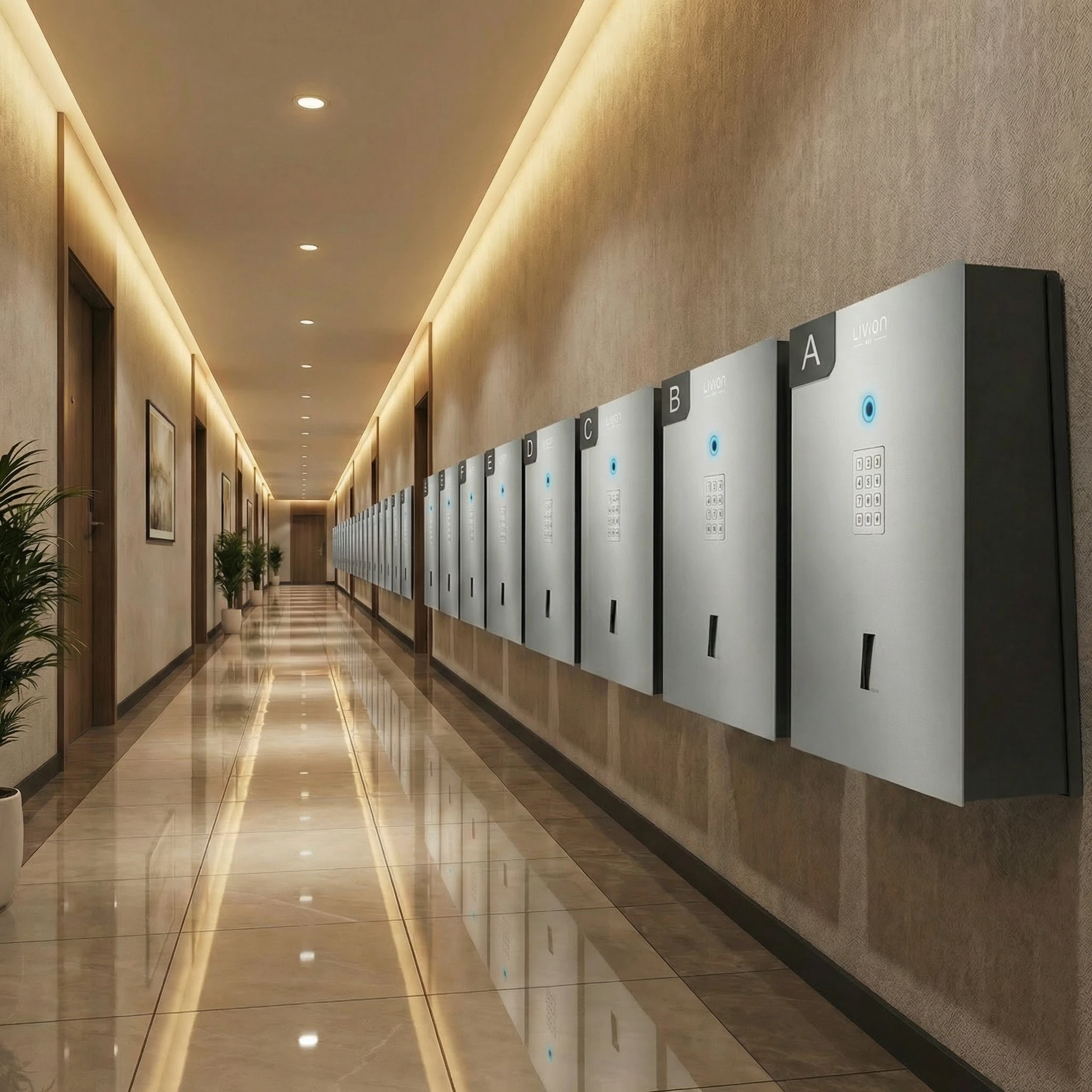
Why modular design is the smartest way to automate high-volume key logistics. Learn how LivionKey30 eliminates queues and ensures maximum reliability.

The right choice depends on who needs the keys and how each handover happens. Compare basic storage, electronic control, and automated self-service.
Share this article: